vidIQ
YouTube research & SEOKeyword research, video ideas and channel insights built specifically for YouTube.
Try vidIQAI Tools for Creators
Short, honest breakdowns of the AI tools that save creators hours: voiceovers, captions, clipping and faceless video. Real screen recordings. No hype.

Every recommendation goes through the same three steps.
The tool goes into an actual video workflow, on screen, with real settings.
What it's great at, where it falls short, and who should skip it.
Affiliate links are labeled. A commission never buys a better verdict.
From idea to published video to email list: this is the stack the channel runs on and tests next.
Some links below are affiliate links. If you buy through them, I may earn a commission at no extra cost to you. How this works.
Keyword research, video ideas and channel insights built specifically for YouTube.
Try vidIQText-to-speech with a large library of natural-sounding voices, plus voice design and dubbing.
Try ElevenLabsTurns a script, idea or blog post into a narrated video with AI voices and stock visuals.
Try FlikiAuto-generates animated, styled captions for vertical video, plus quick AI edits like zooms and B-roll.
Try SubmagicScans a long video, picks highlight moments and reframes them into vertical clips with captions.
Try OpusClipEmail platform for creators (formerly ConvertKit): signup forms, landing pages and automations.
Try KitThe channel just launched. Subscribe and you'll get every test the day it drops.
New to faceless video? Read this first. Every step, every tool and what the free plans really include.
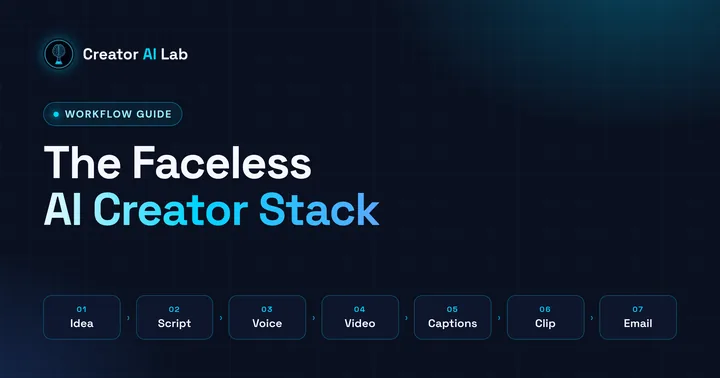
Idea, script, AI voice, text to video, captions, clipping and email: the exact seven-step workflow this channel runs on, with what each free plan really lets you do.